
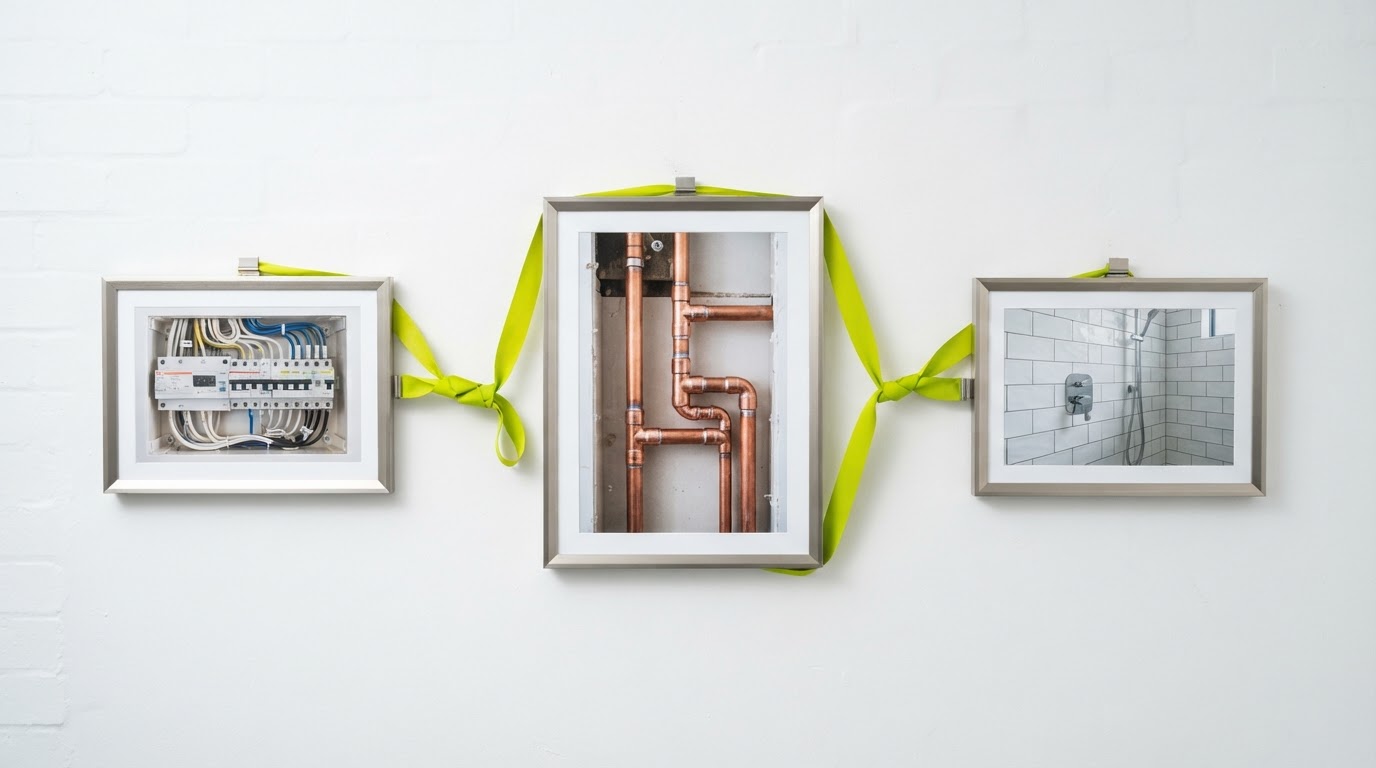
Summary: Build galleries around the questions customers ask. Use genuine, permissioned job photos, explanatory captions and a simple selection process rather than uploading every image from the camera roll.
Tradie website photos are most useful when they explain something a customer cannot judge from your service list. A gallery of thirty similar finished rooms may look impressive while leaving basic questions unanswered: what did you change, how did you protect the property, and do you handle jobs like mine?
A smaller collection with context can work harder. Think of each image as an answer with visual evidence attached.
Decide what the photograph needs to prove
Before choosing images, list the uncertainties people raise before booking. They might want to understand the finish, the kind of property you work in or what an installation looks like once the area is cleaned up.
Choose photographs that genuinely support those points. A neatly parked van establishes branding; it does not demonstrate the quality of a bathroom renovation. A close-up may show a finish but cannot explain the whole project without context.
Keep different purposes separate. A homepage introduction, service-page example and detailed project gallery do not all need the same photograph.
Use a practical shot list
| Customer question | Useful photograph | Caption information |
|---|---|---|
| Do you do this kind of job? | Overall project view | Actual service and scope |
| What was changed? | Comparable before-and-after views | Verified change, without exaggeration |
| What is the finish like? | Clear detail photograph | Material or feature the reader can see |
| How is the space left? | Completed area after cleanup | Relevant handover detail |
| Who will attend? | Approved team photograph | Genuine role, without invented credentials |
Take the wider view before the detail shot. Once equipment and materials are packed away, it may be difficult to reconstruct what the customer needed to see.
Make before-and-after comparisons fair
Use similar angles and avoid making the earlier image artificially dark or the finished version heavily enhanced. Explain if the images show different stages rather than a direct comparison.
Do not use AI to add workmanship, remove unresolved defects or generate a completed project that never happened. Concept imagery can have a place in general advice, but a job gallery should represent real work.
For an illustrative caption structure, use: “What the customer needed. What work was completed. The detail this image shows.” Fill it only with facts you can verify.
For example, a fictional caption might read: “This utility area needed a more practical storage layout. The project added fitted shelving above the work surface. This image shows the finished alignment and available clearance.” The actual version must describe your actual project.
Check permission and identifying details
Agree on photographic use with the appropriate customer or property representative. Record what was approved and where the images can appear. Permission to take progress photographs is not automatically the same as permission to use them in advertising.
Inspect the background. Mail, family photographs, vehicle plates, security equipment and a recognisable address can reveal more than intended. Crop or choose a different image where necessary, and retain the original securely.
Avoid publishing a precise address simply to make a project sound local. A broad location can provide useful context without identifying the household.
Prepare the images for the page
Google's image guidance recommends helping readers and search engines understand images through their surrounding context. Use descriptive filenames and put relevant photographs beside the work they illustrate.
Write alt text for the visible information and the image's purpose. “Completed timber shelving above a utility bench” is more helpful than a string of suburbs and trade keywords. Pure decoration may need empty alt text; an informative job photograph usually needs a meaningful description.
Compress images and provide appropriate display sizes without destroying useful detail. Check the mobile crop before publishing. The part proving your point should not disappear behind a card overlay or outside the frame.
Give the gallery an owner
Keep a simple register with the job reference, approval, service, caption and approved image location. That makes future updates much easier than searching message threads for permission.
Review the gallery when services or team members change. Remove misleading examples and replace weak images gradually. The goal is a maintained body of evidence that helps the right customer recognise the work you actually do.
For help improving the customer journey on your website, see Tradie Local’s functional websites.
Sources & further reading
Frequently asked questions
How many job photos should I show?
Choose enough to answer the relevant questions without repetitive scrolling. A focused selection with clear captions is often easier to assess than an unfiltered gallery.
Can stock photos go in a project gallery?
Do not present stock or generated images as completed work. Use genuine project photographs where the page claims to show your jobs.
Should every image mention a suburb?
Only include location when it is accurate and useful. Avoid precise customer addresses and repetitive keyword-heavy captions.
What should I write in alt text?
Describe the meaningful visible content in context. Do not use alt text as a place to stack services and locations.
Do I need professional photography?
Not for every job. Clear, well-lit phone photographs with useful context can be effective; consistency and truthful detail matter more than elaborate equipment.