
Summary: A review QR code is only useful if it opens the correct destination and works at its final printed size. Test it, offer an alternative route and keep control of any redirect service.
A Google review QR code for tradies can fail before a customer reaches the review screen. The printed code may be too small, point to the wrong profile or rely on a service that stops working when a subscription ends.
Treat the code as a customer journey rather than a decorative square. The print design is only one part of that journey.
Confirm the destination first
Use the correct review link for the business profile. Open it on a phone and confirm the business name and intended action.
Google's review guidance explains ways to share a review link or QR code. If another tool creates the image, check whether it encodes the destination directly or sends people through that tool's redirect service.
A redirect can be useful when a destination needs to change, but it creates an ongoing dependency. Know who owns it and what happens if the account is closed.
Design for the real environment
A code on a card handed to a customer has different conditions from one on a moving vehicle. Start with a situation where someone can comfortably stop, scan and decide whether to continue.
Keep the code clear, with sufficient contrast and open space around it. Avoid placing it over a photograph or distorting it to fit a narrow layout. Decorative changes are not worth making if scanning becomes unreliable.
| Placement | Likely challenge | Practical test |
|---|---|---|
| Small handover card | Code printed too small | Scan the actual printed sample |
| Invoice | Poor print quality or scaling | Test the common export and print settings |
| Counter sign | Glare or viewing distance | Scan where the sign will sit |
| Vehicle graphic | Movement and unsafe viewing | Prefer a stationary, accessible use case |
| Digital document | Customer viewing on the same phone | Include a clickable link as well |
Do not choose a final size solely from how crisp it looks on a large monitor.
Say what happens after scanning
Use a short, accurate invitation such as “Leave an honest Google review”. Avoid vague instructions like “Scan me” that conceal the destination.
Do not imply the customer must submit a review to receive paperwork, support or a completed handover. Keep access to service information independent.
Provide a normal link where practical, especially in digital documents. Someone reading a PDF on their phone should not need a second device to follow the invitation.
Run a small acceptance test
Before ordering a batch of printed material, test an actual sample on more than one phone. Try ordinary lighting, a slightly angled scan and the distance at which a customer will hold it.
Confirm the destination after the scan, not merely that the camera recognises a code. Check what happens when the user is not signed into a Google account and avoid promising that every person can complete the process in one tap.
Write down the result, the destination URL and the account responsible for any redirect. A simple record makes future troubleshooting much faster.
Keep the request human
A code should make a voluntary action easier. It does not replace a polite explanation or a good customer experience.
An illustrative handover line is: “There’s a review link on the card if you’d like to share your experience later.” Then let the customer decide. Do not follow them through the steps or ask to inspect the rating.
Use the same invitation consistently and avoid attaching incentives. Keep the wording focused on honest feedback.
Check it after changes
Retest when the profile, brand, link service or printed design changes. Keep a sample of the live materials and remove obsolete versions from the team's stock.
If a code breaks, correct the cause before printing replacements. Otherwise the same fault can be reproduced across another batch. The objective is a dependable route that still works months after somebody puts the card in a kitchen drawer.
For help maintaining your business profile and customer-facing information, see Tradie Local’s Google Business Profile optimisation.
Sources & further reading
Frequently asked questions
Should I use a static or dynamic QR code?
A direct code has fewer dependencies. A redirect-based code can be updated, but you need to understand account ownership, costs and what happens if the service ends.
Can I put the code on a digital invoice?
Yes, but include a clickable link too. People viewing the invoice on the same phone may find a normal link easier.
How large should it be?
Choose a size that scans reliably in the actual setting. Test a printed sample instead of relying on a universal size rule.
Can I use a decorative generated QR image?
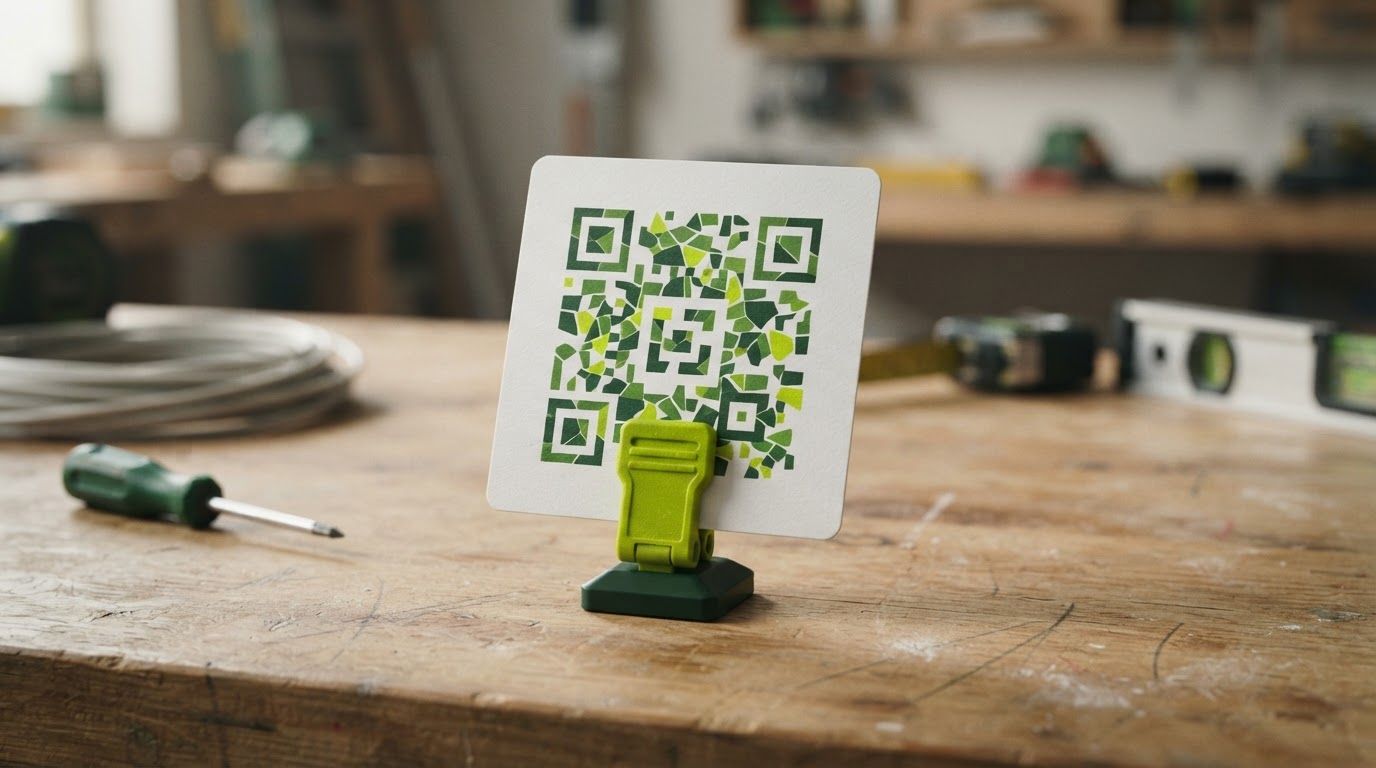
No. A functional code must encode the correct destination. An illustration representing a QR code should never be used as the working code.
What should the invitation say?
Use a clear, voluntary invitation to leave an honest review. Avoid pressure, incentives or wording that promises a particular rating.