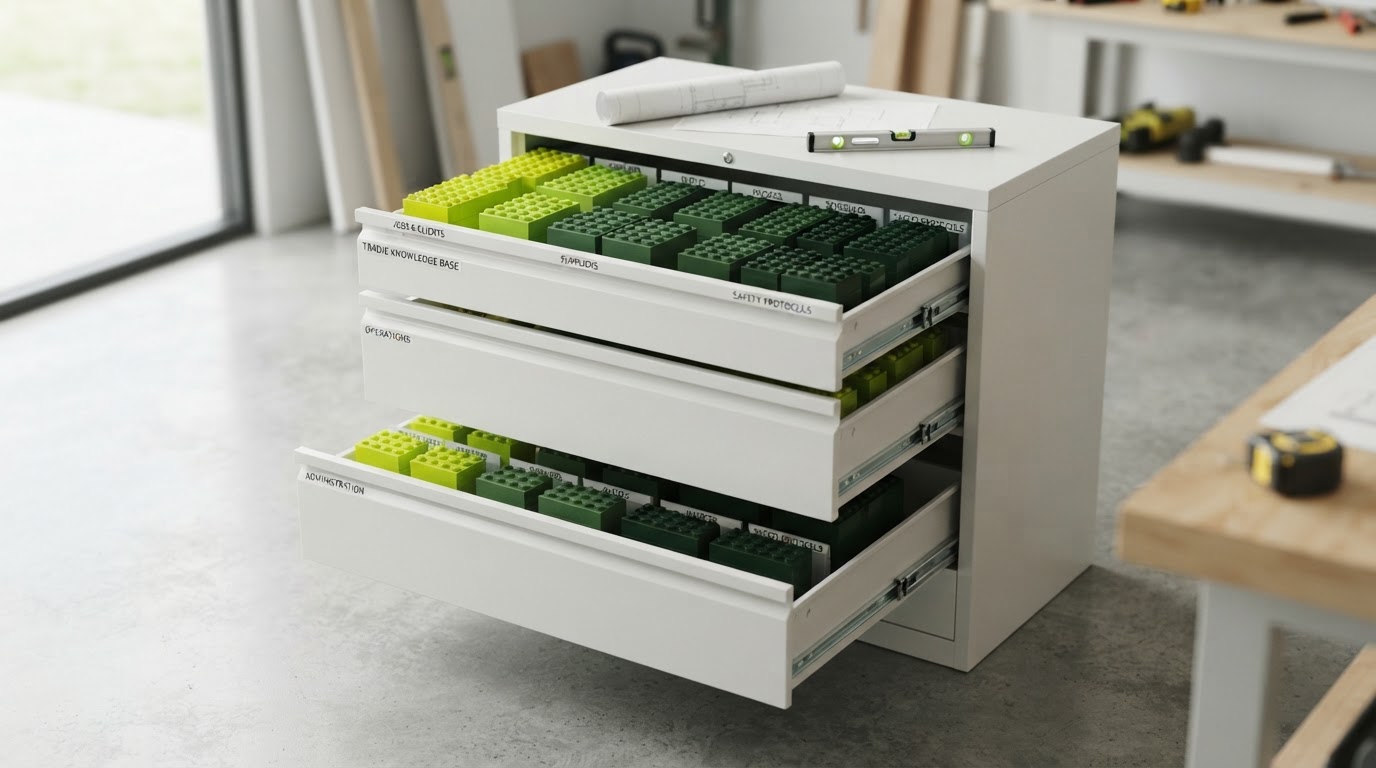

Summary: Start with a small pipeline that reflects real events. Give every open enquiry an owner and next action, then add automation only where the process is already clear.
A CRM for tradies should answer “who needs to do what next?” before it produces a colourful dashboard. If staff cannot tell whether an enquiry is waiting on the customer or waiting on the business, adding more fields and integrations will not solve the basic problem.
Start with the workflow you already run. The software should make that process visible and dependable rather than force every job into a complicated sales model.
Use stages based on events
The following five-stage setup is an illustrative starting point. Adjust it for services that do not require a quote or site assessment.
| Stage | Entry condition | Useful next action |
|---|---|---|
| New enquiry | Request received | Confirm service fit and assign owner |
| Information or assessment | Required details being gathered | Record the specific missing step |
| Quote sent | Quote actually delivered | Follow the agreed response process |
| Booked | Appointment or work confirmed | Hand over to scheduling |
| Closed | Outcome recorded | Keep a truthful reason |
Do not use “quote sent” for a draft that is still on someone's desk. Stage definitions should be clear enough that two staff members classify the same enquiry similarly.
Add owner and next action
For every open record, capture who is responsible, what action is due and when it will be reviewed. A stage without those details can become a waiting room nobody checks.
Keep the next action concrete: “Call to confirm access” or “Estimator to review photos”. “Follow up” is too vague if the next person cannot tell what has already happened.
Separate the customer's requested date from a confirmed appointment. Confusing those fields can cause a later reminder to promise a booking that never existed.
Keep people and jobs distinct
An existing customer may enquire about a new property or another service. Keep enough structure to avoid overwriting the history of the earlier job.
At the same time, do not create a completely separate person record for every form submission if the platform can link the conversation appropriately. Review likely duplicates before merging them.
Use the system's intended relationships where possible. A single notes field containing every contact, property and job eventually becomes difficult to search and maintain.
Build a daily review that fits the team
Look first at unassigned enquiries and overdue business actions. Then review records with no next step. This focuses attention on work the team can actually move.
For a fictional small office, a brief morning review may be enough to allocate overnight requests and identify delayed quotes. A larger team may need a different cadence and clearer handovers.
Do not make the meeting a recital of every open job. Use the record to surface exceptions and decisions.
Add automation after the stage meanings settle
An acknowledgement can confirm receipt. A task can notify the owner. A reminder can prompt an agreed action. Each should have a clear trigger and a stop condition.
Test what happens when a customer replies, a job is booked or a record is closed. Avoid sending messages that assume silence after a staff member has already spoken to the person.
W3C's notification guidance concerns clear feedback in user interfaces. The same design aim is useful here: show what happened and what is needed next, without ambiguous status messages.
Protect the data and access
Give staff access appropriate to their role and protect important accounts with multi-factor authentication. Keep recovery and ownership arrangements under business control.
Avoid storing unnecessary sensitive information in broad notes or alerts. Review who can export records and remove access when roles change.
Judge the setup by handling quality
Check whether fewer enquiries are unassigned, whether quotes have owners and whether staff can find the latest conversation. Those outcomes are more useful initially than a large report with unreliable source data.
Add complexity only when it solves a demonstrated problem. A small pipeline that the team maintains every day can be more valuable than an elaborate system that nobody trusts.
For help connecting a clear business process with enquiry automation, see Tradie Local’s automated lead follow-up.
Sources & further reading
Frequently asked questions
Do I need a separate stage for every task?
No. Use stages for meaningful changes in the enquiry and keep individual tasks as next actions. Too many stages can make the pipeline harder to maintain.
Can I manage this in a spreadsheet first?
A simple shared process can help define the workflow. Move to software when the volume, access or automation needs justify it.
Should every enquiry have an owner?
Every open enquiry should have clear responsibility for the next step, even when several people contribute to the work.
When should I add automation?
After the stage definitions and handovers are clear. Test triggers, replies and stop conditions before expanding.
What should I review each morning?
Start with unassigned records, overdue business actions and enquiries without a clear next step. Focus on exceptions the team can resolve.